A photo made of
your photos.
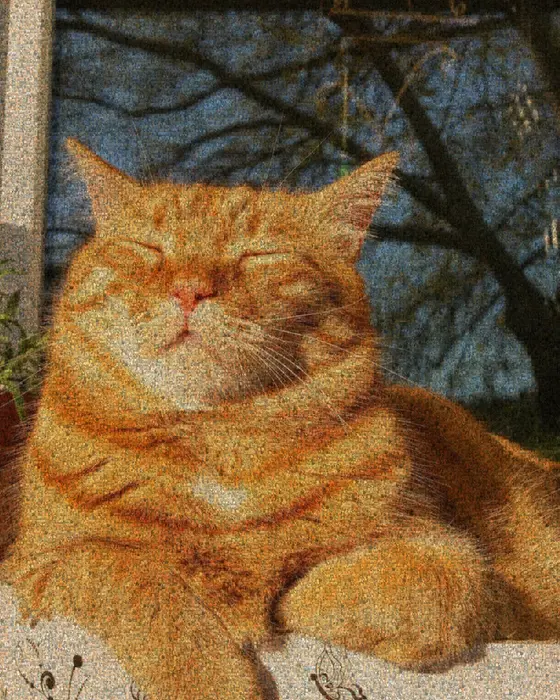
Choose one main photo and a folder of others, and Mosey builds a photomosaic: one picture made of hundreds of smaller ones. It measures the color of each small photo and places it where it best matches the big picture. Holiday snaps, family photos and team headshots all work.
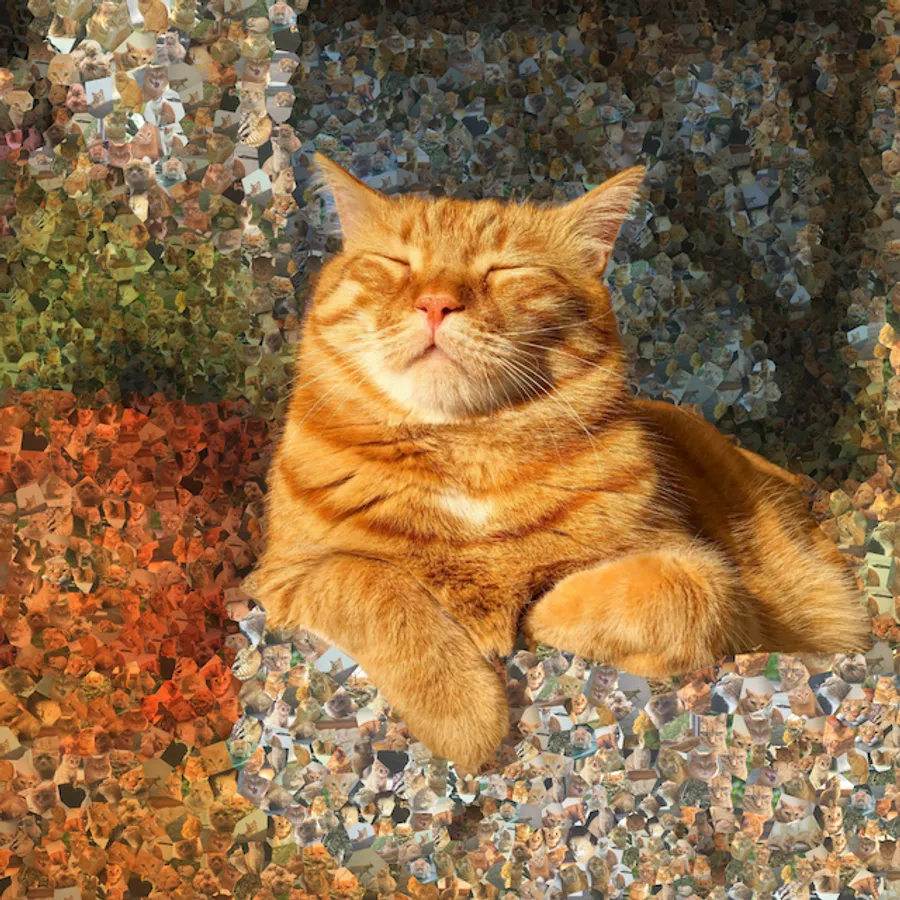
Try an example
Open one in the studio, look around, and hit Remix to make it your own.
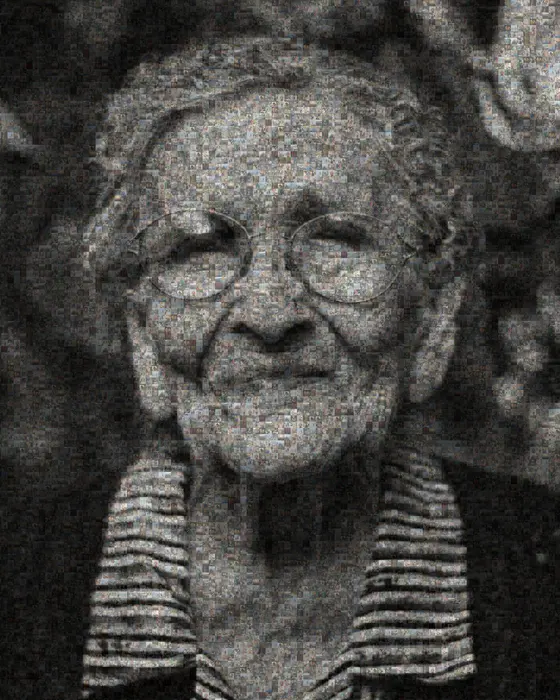
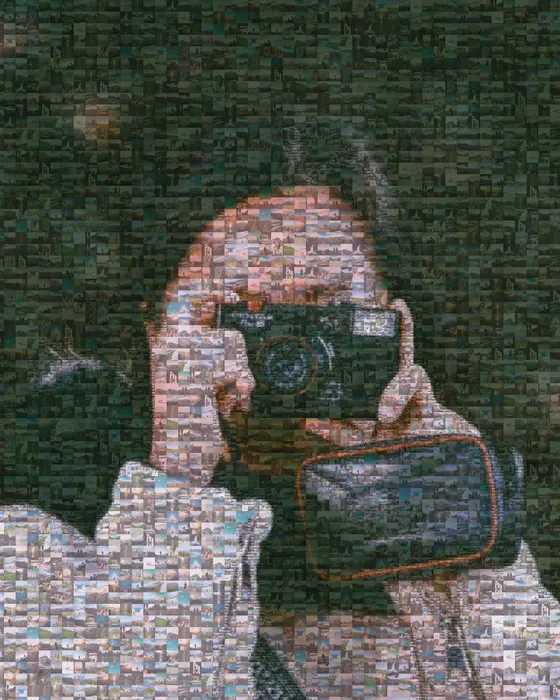
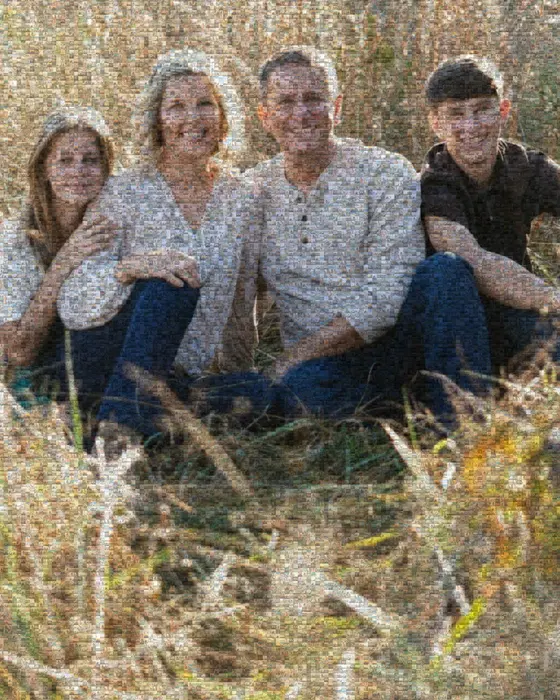
How to make it
- Step 01
Pick the main photo
A simple, high-contrast image with a clear subject, such as a couple, a face or a pet, reads best from a distance.
- Step 02
Add your tile photos
Upload up to 1,000 photos. More photos with more varied colors give a more faithful result. 100+ is a good start and 500+ is better.
- Step 03
Adjust size and tint
Smaller tiles sharpen the main image. Larger tiles make each photo easier to see. A light color tint pulls tiles toward the right shade.
- Step 04
Export and print
Download a PNG for sharing, or a Pro print-ready file for a poster or canvas.
How the tiles are chosen
Each of your photos is reduced to its average color. For every tile position in the main image, Mosey finds the photo with the closest color and places it there. Tint blends each tile slightly toward its target color, which helps when your collection is missing some shades.
Choosing the main photo and tiles
The main photo matters most. Look for a plain background, strong lighting and a subject that fills the frame. Your tile photos should cover the colors in it. If the main image has a lot of blue sky, include some outdoor shots.
Stand back to judge it. Photo mosaics are meant to be seen from a few meters away, where the tiles blend and the main image appears.
When to use tint
With tint off, every photo appears exactly as it is. That's the purist option, and it needs a large, varied collection. With tint on, each photo is shifted slightly toward the color it stands in for, which makes the main image much clearer with fewer photos. Custom tint pulls everything toward one color for a monochrome look.
Make a photo mosaic from your photos
Free to start, no signup, and it runs in your browser.
Grid, hexagons or organic cells
A square grid is the classic photomosaic. Hexagonal cells soften the edges, and Voronoi mode cuts the image into irregular cells that feel like a hand-made collage. The adaptive layout uses smaller tiles where the main photo has detail and bigger tiles in flat areas, so faces stay sharp and each photo stays big enough to see.
Printing a large photo mosaic
A photomosaic gets looked at twice: from across the room as one picture, and up close as hundreds. The standard export is fine for screens and small prints. For posters and canvases, Pro exports render at 4× or 6× the resolution of the standard export. Tile photos are used at up to 256 pixels on their longest side, so on a very large print each one is enlarged a little.
Before exporting, zoom into the preview to check that the tile photos are recognizable at the size you plan to print. If they aren't, use fewer, larger tiles.
Where your photos go
Your photos are processed on your own device. Nothing is uploaded to build or export the mosaic, which matters when the collection is years of family photos. If you choose to Save it to your account, the photos are stored privately so you can reopen it later.
Photo mosaic FAQ
How many photos do I need?
A few dozen will work, but 200–500 varied photos give a much more accurate picture.
Is it free?
Yes. Photo mosaics and standard PNG exports are free, with no watermark. Print-resolution exports are part of Pro.
Can I print it?
Yes. Use a print-ready export and order from any print shop. You own the result.
Can the same photo be used more than once?
Yes. Each tile gets the best color match from your collection, so a photo can appear in several places. A bigger, more varied collection means fewer repeats.
Can I come back and finish it later?
Yes. Your work in progress is kept in this browser, and if you Save it to a free account you can reopen it from any device.
What layouts are available?
Square grid, hexagons, Voronoi cells, adaptive squares, spirals, rings and more. Voronoi and adaptive layouts feel the most like a hand-made collage.
Your photo stays on your device while you make and export a mosaic. It only leaves if you click Save (stored privately in your account) or use an optional AI tool. Privacy Policy
More mosaic ideas

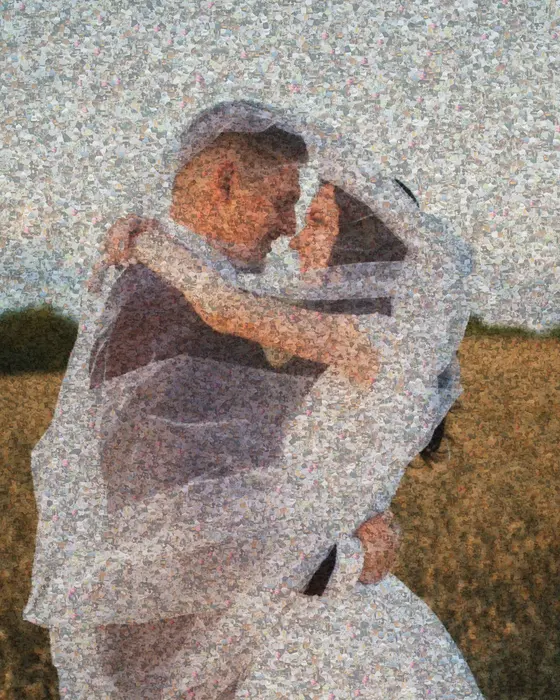
Anniversary & wedding
One wedding photo made from years of shared photos, ready to print as an anniversary gift.
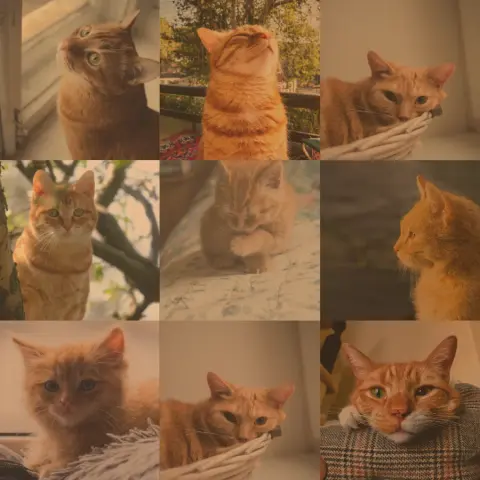
Memorial mosaic
One portrait built from a lifetime of photos, ready to print for a service or a wall.
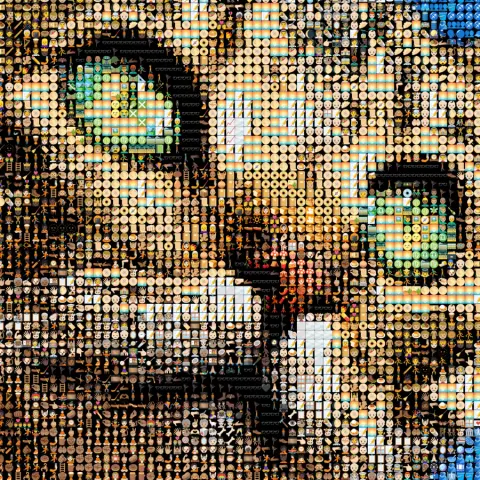
Emoji art
3,500+ emoji matched to your photo by color, updating as you edit.
More ideas: Brick mosaic · ASCII art · Photo to STL · Pixel art · Pet portrait