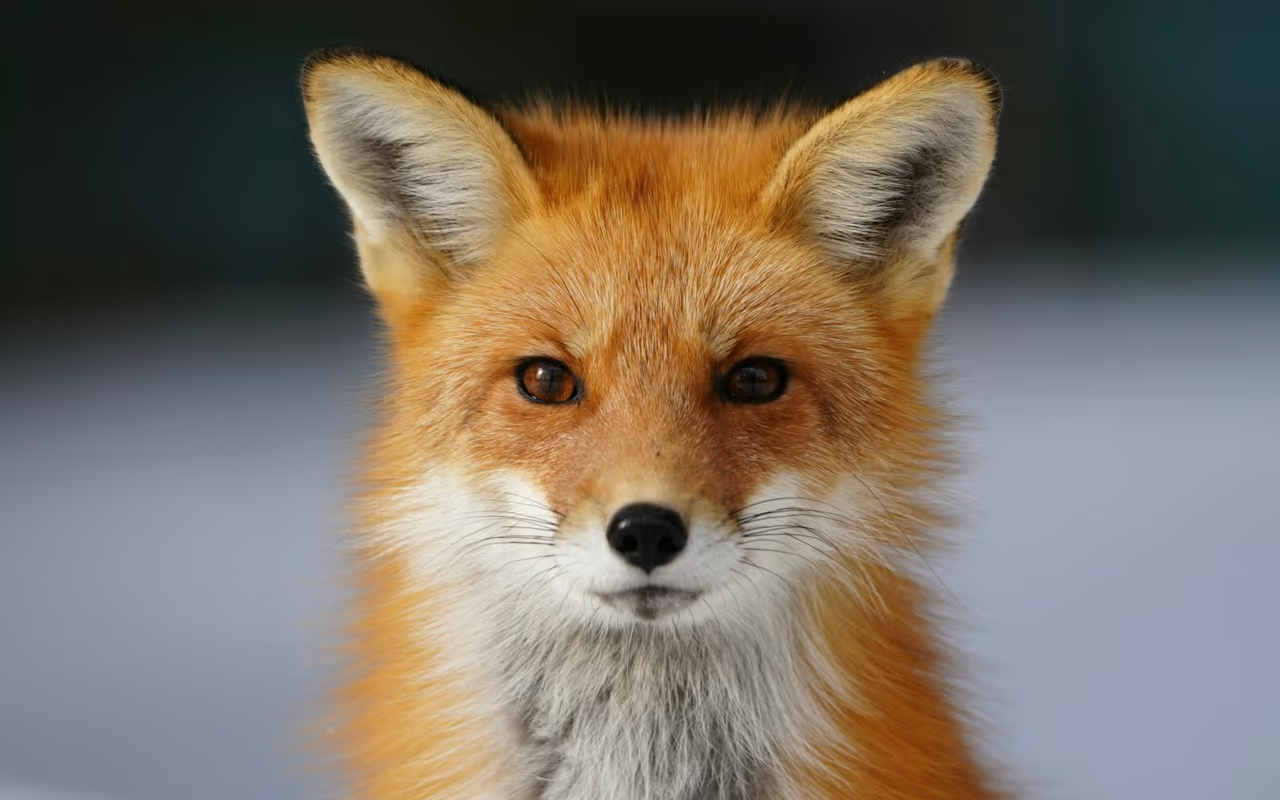
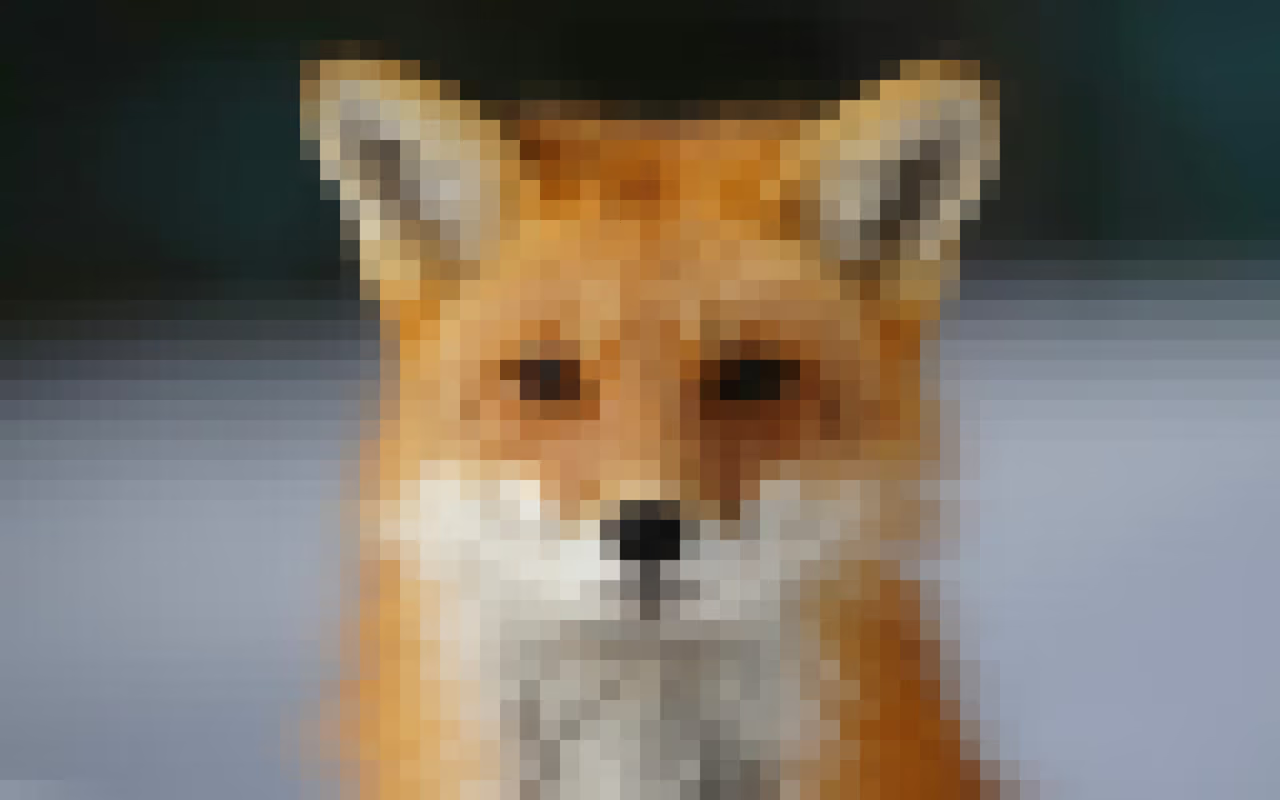
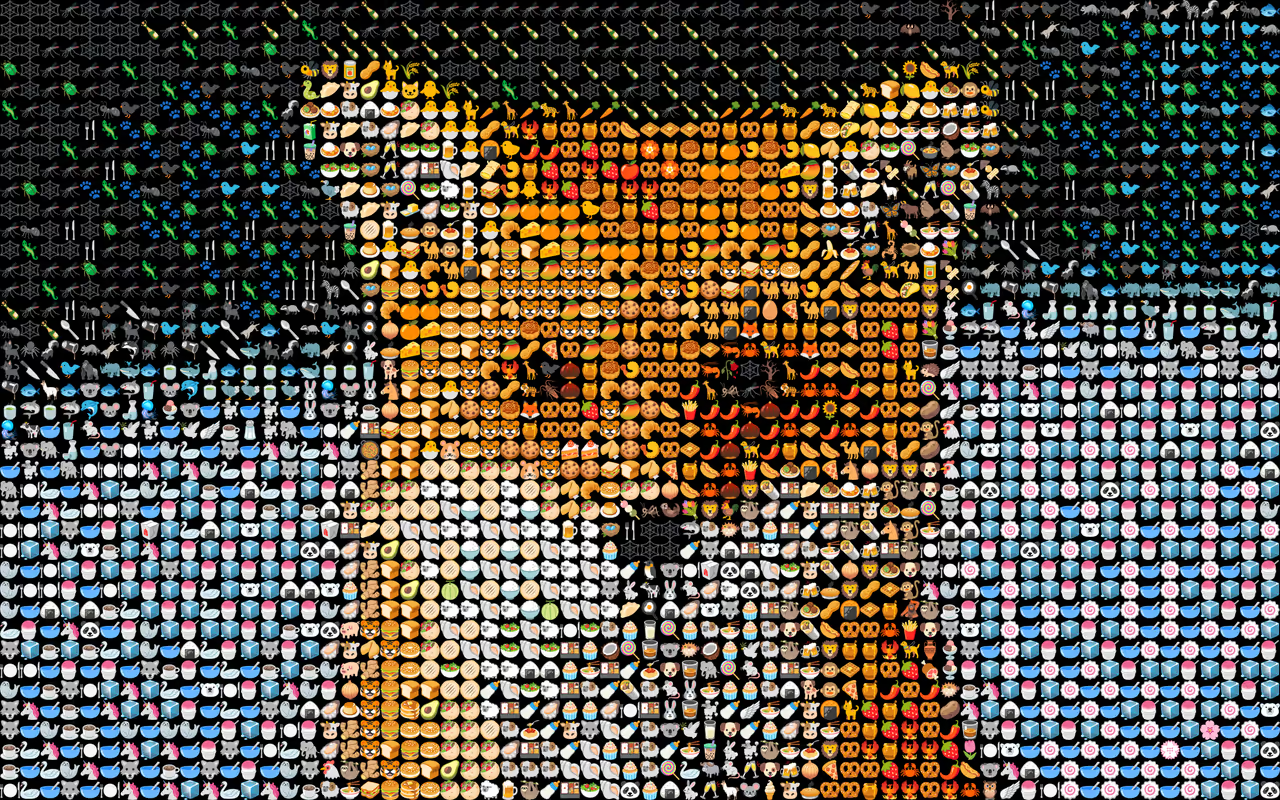
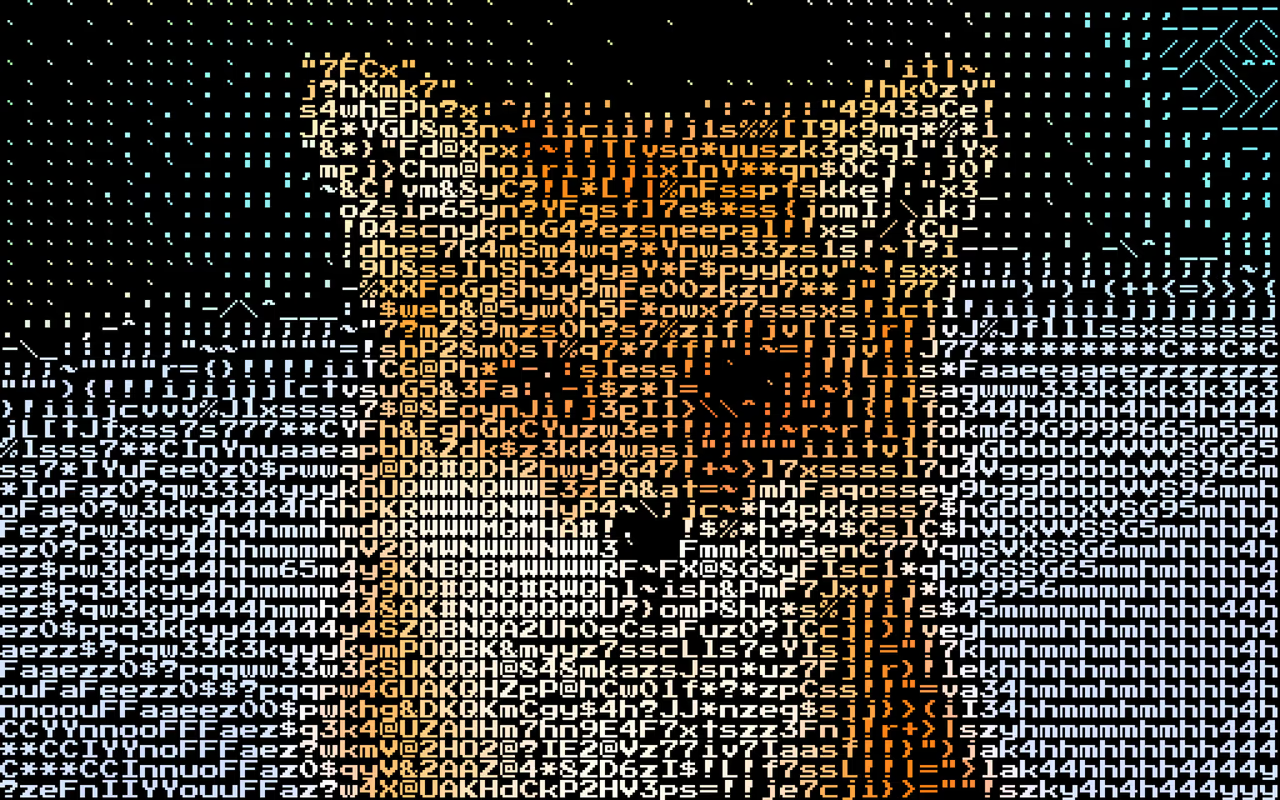
How it works. Four steps from photo to mosaic, with nothing to download and no signup. Everything renders in your browser, so the preview updates as you edit and your photo stays on your device.
JPG · PNG · WEBP · GLB · GLTF · OBJ Opens in your browser
Drop a JPG, PNG or WebP into the browser, or a 3D model (GLB, GLTF or OBJ). Your photo is only stored if you choose to Save the mosaic.
→ The mosaic renders on your device. Only the optional AI tools send a copy of your photo elsewhere.
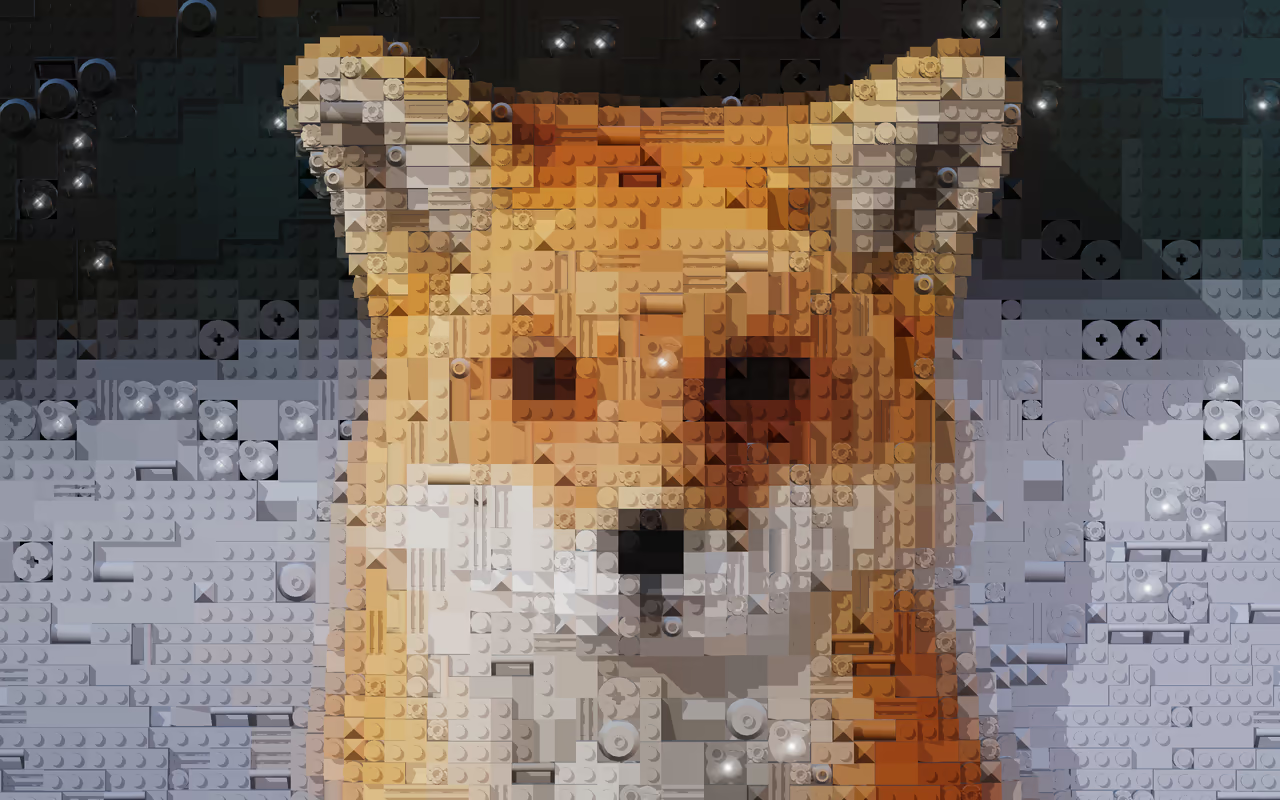
Color Emoji ASCII Bricks Photos
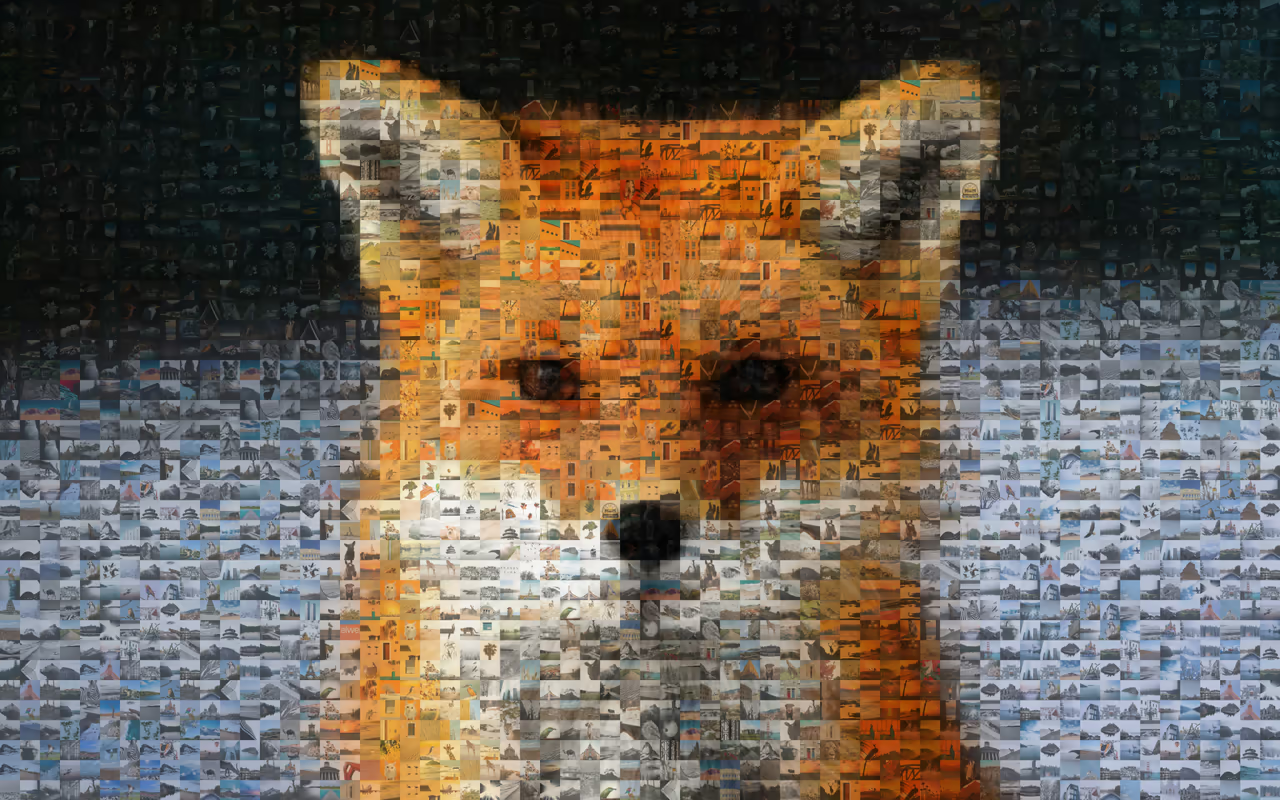
Choose what the tiles are made of: solid color, emoji, ASCII characters, bricks or your own photos.
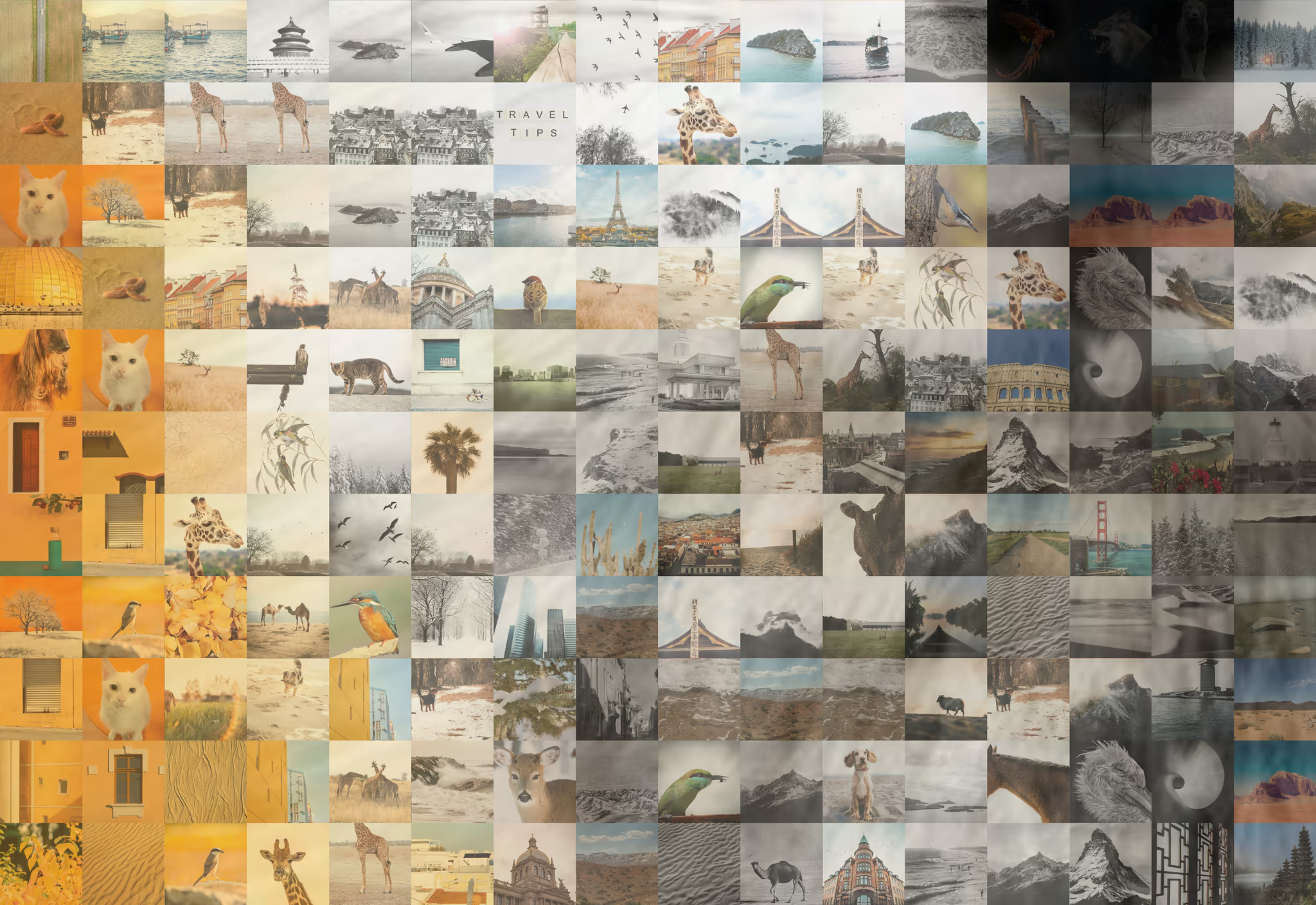
→ An image palette works best with plenty of photos. With 500 or more, the mosaic has more colors to match from.
Shape Squares Circles Hexagons Stars Hearts Voronoi
Layout Grid Honeycomb Spiral Sunflower Rings
Pick a tile shape and a layout, then adjust tile size, spacing and background color. Every change re-renders in your browser as you make it.
→ Smaller tiles keep fine detail. Larger gaps give abstract, graphic patterns.
fox-mosaic.png Full detail in every tile, never watermarked
PNG · JPG · SVG GLB · STL · USDZ · LDR
Save a PNG, a smaller JPG or an editable SVG, or a 3D model as GLB, STL or USDZ. Nothing is watermarked, and Pro adds larger sizes for print.
→ A brick mosaic also exports as an LDraw file, which brick-building apps open as a model you can build.
→ Your photo stays on your device
Mosaics are made and exported in your browser. A photo only leaves your device if you use an AI tool or Save the mosaic.
→ Live preview
See changes as you make them. Adjust the grid, swap palettes or tune spacing, with no server to wait on.
→ No watermarks
Exports carry no branding on any plan. Free accounts export at Standard size.
PNG and JPG exports come in three sizes. None of them carry a watermark.
Standard Free
Fast and web-ready, sized for social media and screens.
Professional Pro
Sharp details for larger prints and posters.
Ultra Archive Pro
Maximum fidelity, sized for canvases and print.
Compare plans →
Make your first mosaic It's free to start and you don't need to sign up. Your first mosaic can be on screen in under a minute.
Runs in your browser · No watermarks · We don't sell your data