An anniversary
photo mosaic.
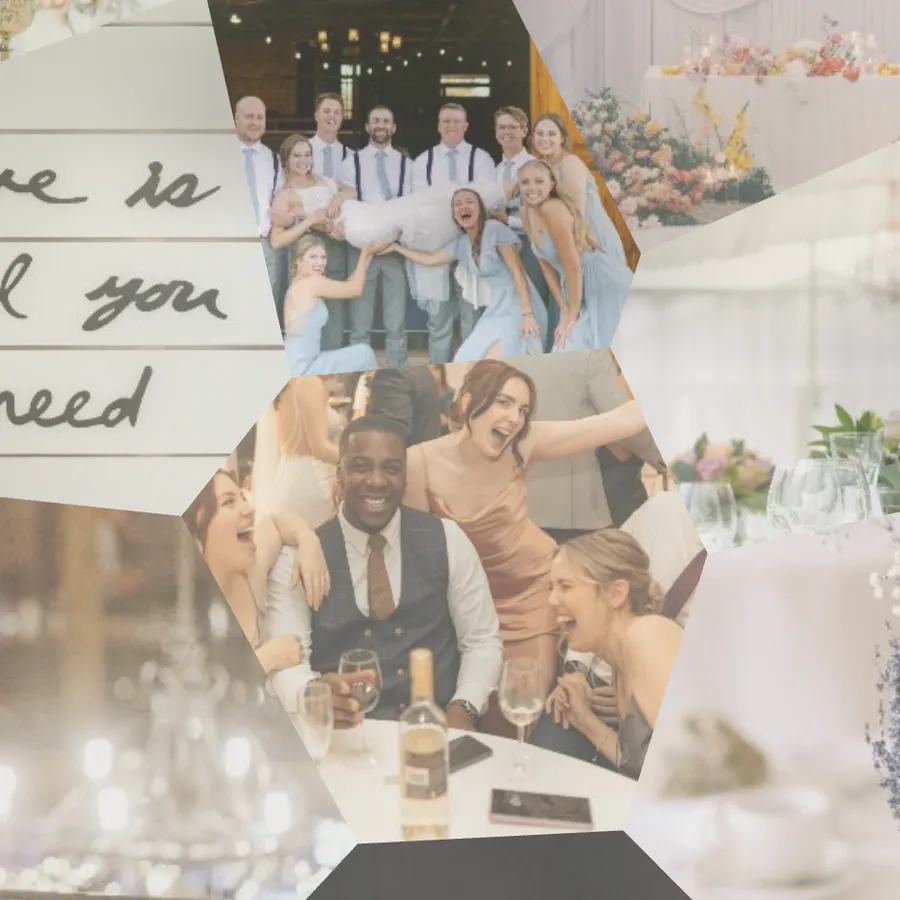
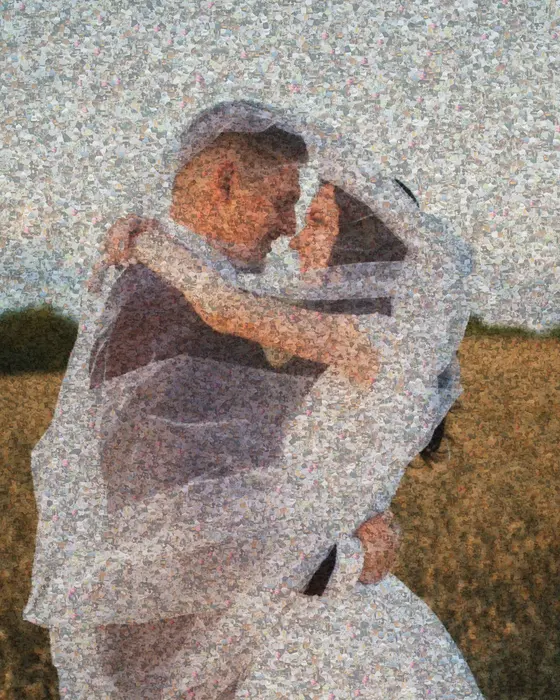
Choose one photo of the two of you and fill it with hundreds of others: first dates, trips, the wedding, ordinary weekends. Mosey arranges them by color so that from across the room they form a single portrait.
Try an example
Open one in the studio, look around, and hit Remix to make it your own.
How to make it
- Step 01
Choose the main photo
A clear photo of the two of you: wedding day, a favorite trip, or a simple portrait.
- Step 02
Gather shared photos
Upload as many shared photos as you can find. Years of camera roll make the best mosaics.
- Step 03
Pick a layout
A classic grid, or organic Voronoi cells that feel more like a collage.
- Step 04
Print it
Export a print-ready file and order a canvas or poster from any print shop.
Why a photo mosaic works as a gift
From a distance it's the photo of the two of you. Up close, every tile is a moment you can find and talk about, so people keep coming back to it.
Choosing the main photo
The main photo is what people see from across the room, so pick one that reads at a glance: both faces clear and close together, even light, and a background that is not too busy. A close-up almost always works better than a full-length shot where faces are small.
Collecting the photos
Go through your camera roll by year, ask family and friends for their photos, and scan a few prints if you have them. Mix close-ups and wide shots, indoor and outdoor, day and night. A range of colors gives Mosey more to match with, and the portrait comes out sharper.
You can add up to 1,000 photos. If the result looks patchy, turn tint on to nudge each photo toward the right shade.
Make an anniversary photo mosaic
Free to start, no signup, and it runs in your browser.
Printing an anniversary mosaic
For a 50×70 cm or larger canvas, use a Pro print-ready export, which renders at 4× or 6× the standard resolution. Standard exports are fine for screens and smaller prints. You own the file and can print it anywhere.
Keeping it a surprise
Everything is built on your own device, and nothing is shared unless you choose to share the link. Save it to a free account to keep working on it on another computer, then export the file when it's ready to print.
Anniversary and wedding gift ideas
First anniversary: the wedding photo made from every photo of the day, including the ones guests sent. Tenth anniversary: a photo from each year. Wedding gift for friends: collect photos from the whole group. Parents’ anniversary: their wedding photo made from family photos across the decades.
Anniversary & wedding FAQ
How many photos do I need?
At least 100 for a recognizable result, and 300–500 for a rich one. Varied colors matter more than the exact number.
Can I order a print from Mosey?
Mosey gives you the file. Print it with any local or online print shop, so you control size, material and price.
How long does it take?
Minutes. The mosaic updates live while you adjust it.
Which main photo works best?
A close-up of the two of you with clear faces and even light. Full-length photos make faces too small to read from a distance.
What if I don't have many photos?
Use larger tiles and turn tint on. Each photo is nudged toward the color it stands in for, so the portrait stays clear with fewer photos.
Can I work on it over several days?
Yes. Your draft is kept in this browser, and saving to a free account lets you reopen it anywhere.
Your photo stays on your device while you make and export a mosaic. It only leaves if you click Save (stored privately in your account) or use an optional AI tool. Privacy Policy
More mosaic ideas
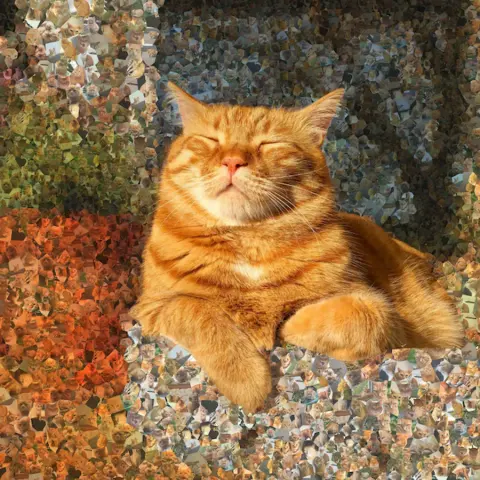
Photo mosaic
Your own photos as tiles. Build a portrait out of weddings, family days or trips.
Memorial mosaic
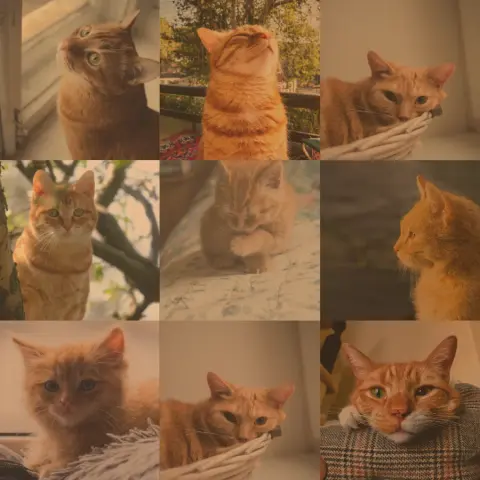
One portrait built from a lifetime of photos, ready to print for a service or a wall.
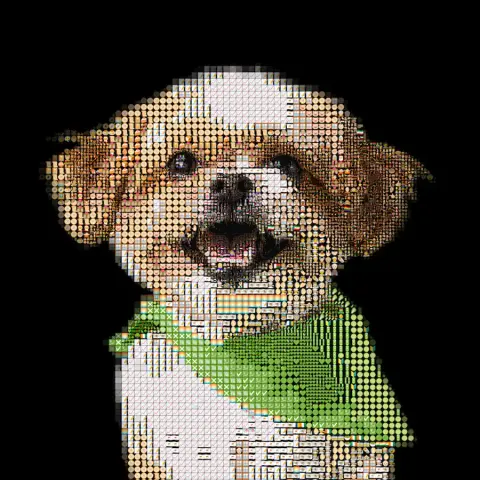
Pet portrait
Your dog, cat or rabbit rebuilt from emoji, bricks or their own photos, ready to print or build.
More ideas: Brick mosaic · Emoji art · ASCII art · Photo to STL · Pixel art