Turn a photo into
emoji art.
Mosey picks from over 3,500 emoji and puts the closest color match at every point of your photo. From a distance it looks like your picture. Up close it's a crowd of 🐶🍊🌿. Everything updates live as you drag the sliders.
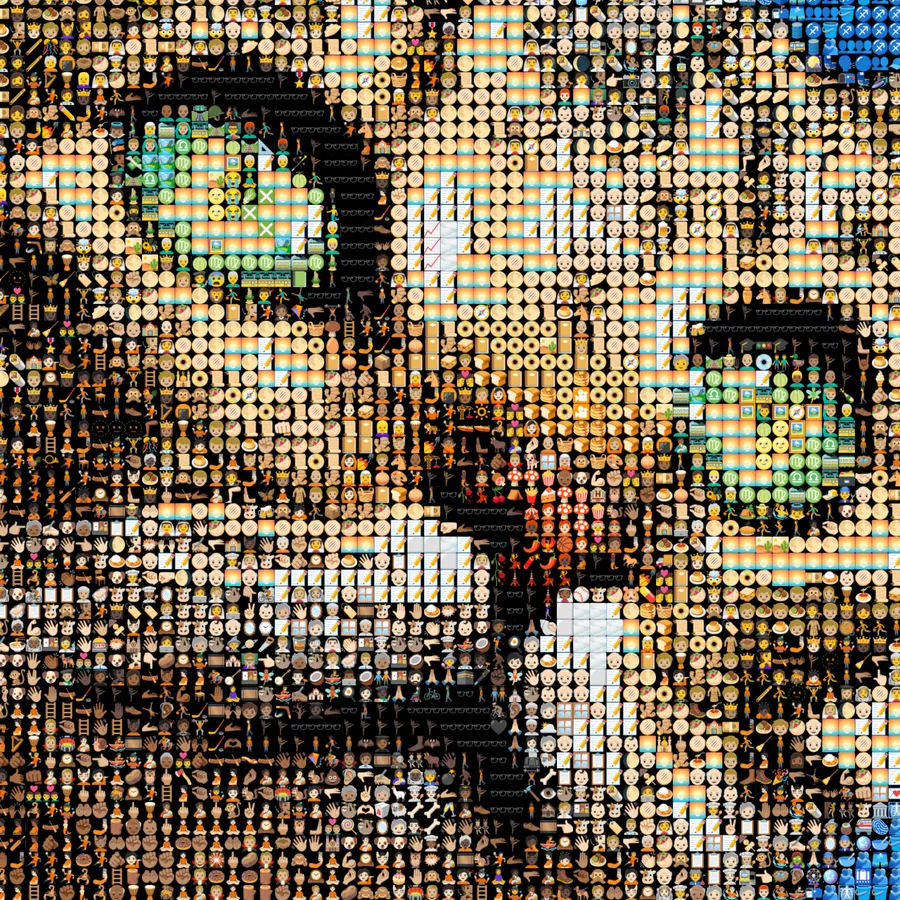
Try an example
Open one in the studio, look around, and hit Remix to make it your own.
How to make it
- Step 01
Upload a photo
Selfies, pets and bold, colorful scenes work best. Drop the file in. It stays on your device while you edit.
- Step 02
Pick your emoji
Use the full set, or narrow it to a theme such as food, animals, hearts or faces.
- Step 03
Set the detail
Smaller emoji keep the likeness. Bigger emoji are easier to pick out one by one. Try a hexagonal or spiral layout for a different texture.
- Step 04
Download
Export a PNG with no watermark to share, or use Pro for a print-resolution file for a poster or canvas.
How the emoji are matched
Each emoji is analyzed once for its average color. When you load a photo, Mosey samples every tile and finds the closest emoji using perceptual color distance, so skin tones, skies and foliage land on emoji that look right from a distance.
Everything runs in your browser on your GPU, so you can change tile size, spacing and layout and see the result straight away, with no server render to wait for.
Choosing a photo for emoji art
High-contrast photos with a clear subject read best. Crop tight, remove a busy background, and try both a dark and a light background color. Emoji have transparent edges, so the background shows between them.
For a poster, use a Pro print-ready export. Each emoji is a 96-pixel image, so on a very large print they soften a little when you get close.
Make it say something
Limit the palette and the emoji become part of the message: a birthday portrait made only of cake and party emoji, a couple built from hearts, a dog made from food. A smaller set matches color less accurately, so pick emoji that cover the main colors in your photo.
If you'd rather not choose by hand, AI palette curation (1 AI credit) suggests an emoji set that fits the mood of your photo.
Turn your photo into emoji art
Free to start, no signup, and it runs in your browser.
Filter by category or search
The emoji set is grouped into people, nature, food, activity, places, objects, symbols and flags. Switch whole categories on or off, or search for a word to build a set by hand, like only animals for a pet portrait or only food for something silly.
Emoji in any layout
Emoji work with every layout in Mosey. Hexagonal rows give a honeycomb feel, spiral and phyllotaxis arrange emoji like the seeds of a sunflower, rings circle out from the center, and a Poisson scatter places them loosely like confetti.
The adaptive layout uses smaller emoji where your photo has detail, such as eyes, edges and text, and bigger ones in flat areas like sky. Faces stay recognizable without the whole picture turning into tiny dots.
Emoji art ideas
A profile picture made of emoji, a birthday card, a poster of your team, a portrait of a friend made only of their favorite emoji, or a family photo for the fridge. Emoji mosaics make a good first project because the result appears instantly and the settings are forgiving.
Emoji art FAQ
Is the emoji art generator free?
Yes. Emoji mosaics and standard PNG downloads are unlimited, with no watermark and no account. Pro adds print-resolution exports.
How many emoji does it use?
Over 3,500. You can use them all or filter to a smaller set by category or search.
Can I use it for a gift or poster?
Yes. You own what you make. For large prints, use a Pro print-ready export.
Does it work on my phone?
It runs in mobile browsers, though the studio is easier to use on a larger screen.
Which layouts can I use?
Every layout works, including square grid, hexagonal, spiral, phyllotaxis, rings, Poisson scatter and adaptive squares. Each gives the same photo a different texture.
Can I change the background color?
Yes. Emoji have transparent edges, so the background shows between them. Dark backgrounds make colors stand out and light ones look softer.
Can I use only certain emoji?
Yes. Filter by category, search by name, or pick emoji one by one. Keep enough colors in the set to cover your photo, or the likeness suffers.
Your photo stays on your device while you make and export a mosaic. It only leaves if you click Save (stored privately in your account) or use an optional AI tool. Privacy Policy
More mosaic ideas
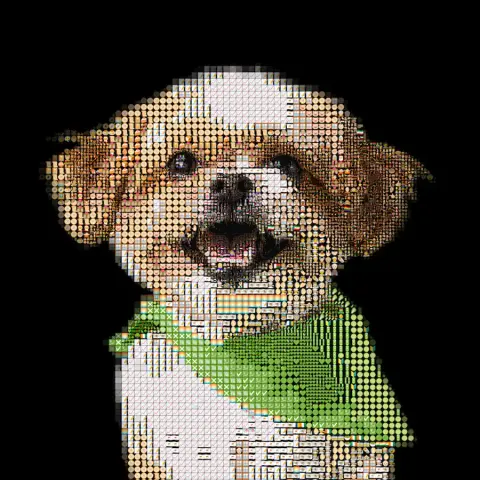
Pet portrait
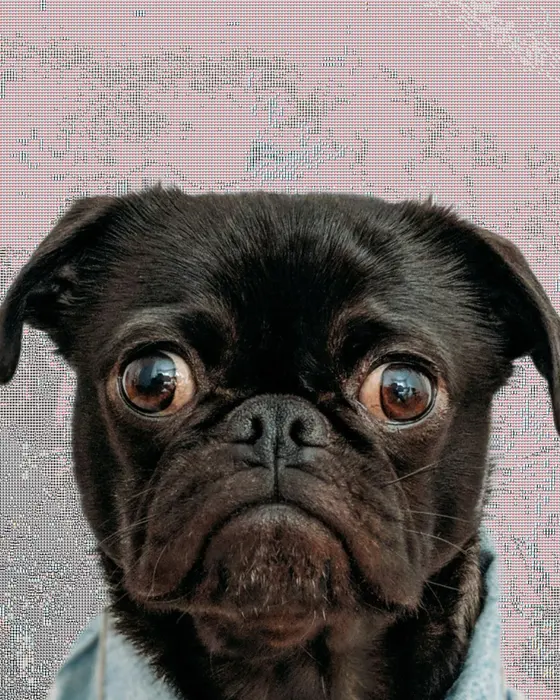
Your dog, cat or rabbit rebuilt from emoji, bricks or their own photos, ready to print or build.
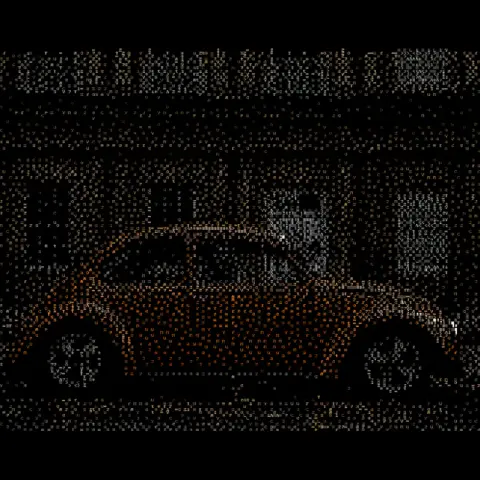
ASCII art
Every tile becomes a character chosen by brightness and tinted by color. Terminal-style art from any photo.
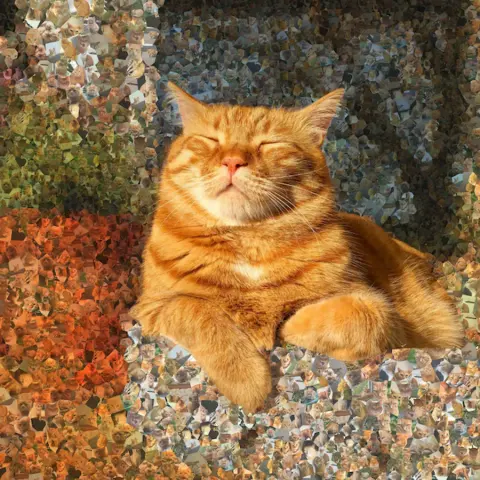
Photo mosaic
Your own photos as tiles. Build a portrait out of weddings, family days or trips.
More ideas: Brick mosaic · Photo to STL · Pixel art · Anniversary & wedding · Memorial mosaic