Turn any photo
into a mosaic.
Free photo mosaic maker. Build it from emoji, 3D bricks, ASCII or your own photos.
- Tiles
- ?
- Shape
- ?
- Layout
- ?
Mosey cuts the photo into tiles.
A grid of small squares. This fox is 64 tiles across and 40 down.
Each tile is boiled down to one color.
That color decides what goes in the tile.
Then each tile becomes an emoji of that color.
Up close it's 2,560 emoji. From further away it's still the fox.
Or a letter or symbol.
Bright tiles get dense ones like @ and #, dark tiles get dots.
Or a toy brick.
Export an LDraw file and you can build it for real.
Turn it around.
With 3D depth, the nose stands out and the background sits back. Download it as a 3D model too.
Or one of your own photos.
Upload up to 1,000 and each tile gets the one closest to its color.
Up close, every tile is a whole photo.
Round them off.
Photo and color tiles can take any shape.
Cut them into stars.
Each one still holds a whole photo.
Or make them hearts.
There are rings, hexagons and any polygon from 3 to 12 sides too.
Shift every other row.
A honeycomb packs round shapes tighter.
Wind them into a spiral.
One long line of tiles from the center out.
Set them like sunflower seeds.
Rings, halftone, dithering and random scatter are a click away.
Then let them grow into Voronoi cells.
Each tile spreads until it meets its neighbors, so the cells fit together with no gaps.
Mix your own.
Then try it on your photo.Change the tiles, shape or layout under the fox. When you find one you like, open it in the studio with your own photo.
How It Works
From photo to mosaic
in four steps.
Import a photo, pick a palette, tune the grid, export. It takes about a minute, with no software to install and no signup.
Step 01
Import a photo
Drop in a JPG, PNG or WebP, or a 3D model. It opens in your browser.
→JPG, PNG and WebP
→GLB, GLTF and OBJ
→Drag and drop
Step 02
Select a palette
Make the tiles from solid color, emoji, ASCII characters, bricks or your own photos.
→Your photos
→Emoji
→ASCII
→Bricks
→Color
Step 03
Tune the grid
Pick a tile shape and a layout, then adjust size and spacing. The preview updates as you go.
→8 tile shapes
→13 layouts
→Live preview
Step 04
Export a file
Save a PNG, JPG or SVG with no watermark, or a 3D model. Pro adds larger sizes for print.
→PNG, JPG and SVG
→GLB, STL and USDZ
→LDraw for brick builds
What do you want to make?
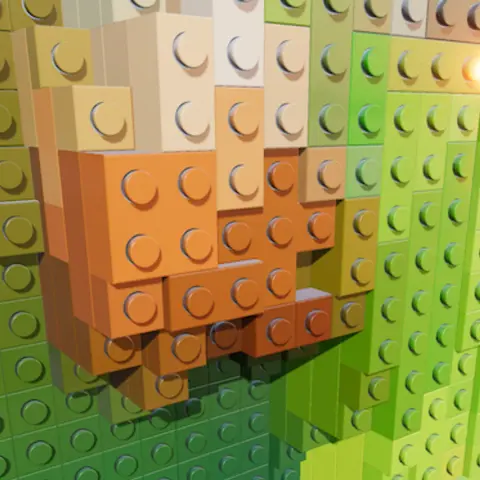
Brick mosaic
Your photo as a 3D brick mosaic, with an LDraw export for brick-building apps.
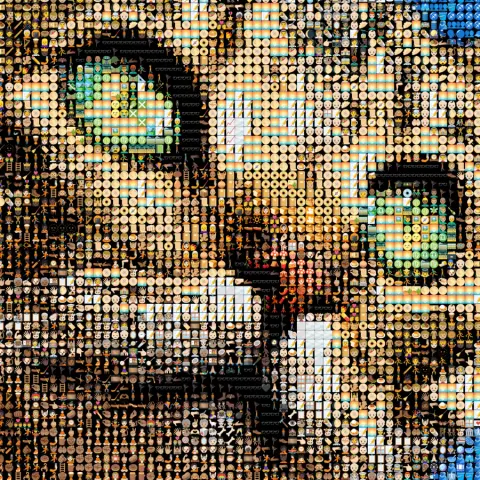
Emoji art
3,500+ emoji matched to your photo by color, updating as you edit.
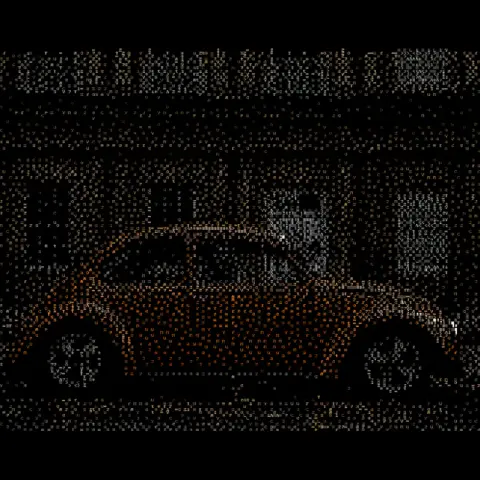
ASCII art
Every tile becomes a character chosen by brightness and tinted by color. Terminal-style art from any photo.
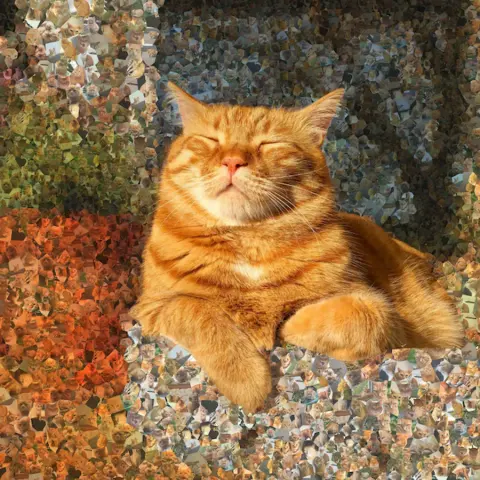
Photo mosaic
Your own photos as tiles. Build a portrait out of weddings, family days or trips.
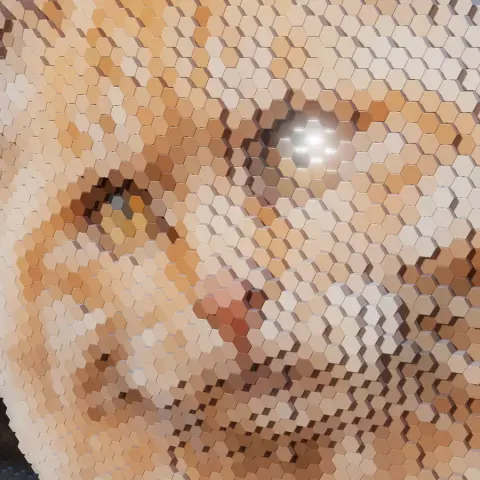
Photo to STL
AI depth raises every tile into a 3D relief, with an STL export for your printer.
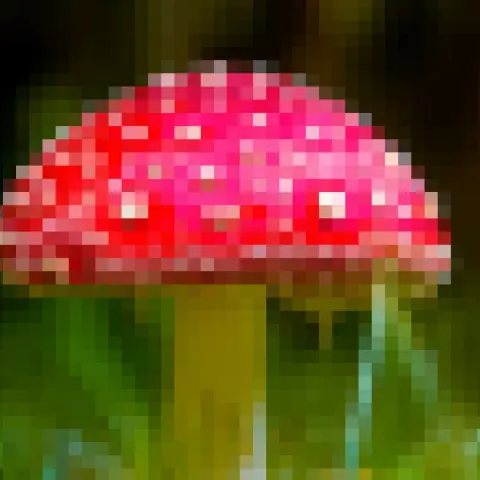
Pixel art
Drag one slider from photo to chunky 8-bit, then add gaps, round dots or dithering.
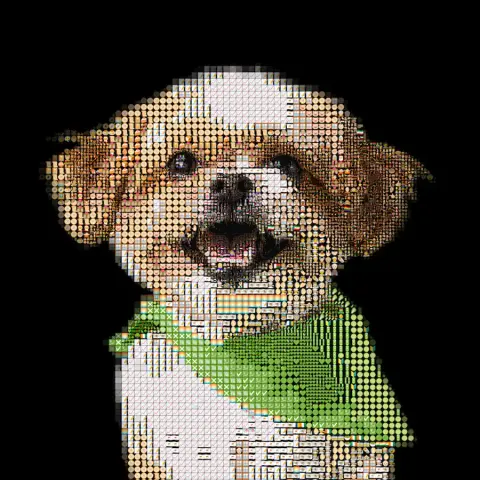
Pet portrait
Your dog, cat or rabbit rebuilt from emoji, bricks or their own photos, ready to print or build.

Anniversary & wedding
One wedding photo made from years of shared photos, ready to print as an anniversary gift.
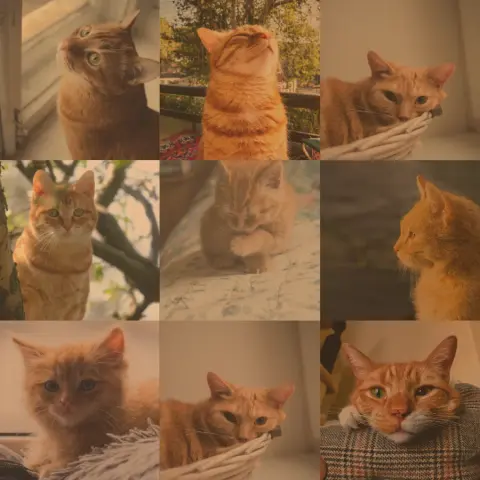
Memorial mosaic
One portrait built from a lifetime of photos, ready to print for a service or a wall.
Photo mosaic features
- →
Your photos as tiles
Upload your own images and Mosey places each one where its color fits.
- →
Print-size exports
Pro exports are sized for canvas and poster prints. Nothing is watermarked, on any plan.
- →
AI 3D depth
In 3D mode, AI raises the subject off the background so tile heights follow the shape of your photo.
- →
AI background removal
Cut out the subject so the tiles are spent on it rather than on the background.
- →
13 layouts
Square, hexagonal, spiral, flow field, phyllotaxis and more. The same photo looks different in each.