A memorial
photo mosaic.
Bring together photos from across someone’s life, or a much-loved pet’s, into a single portrait. Mosey places each photo by color so that from a distance their face appears, and up close every moment is there to look at.
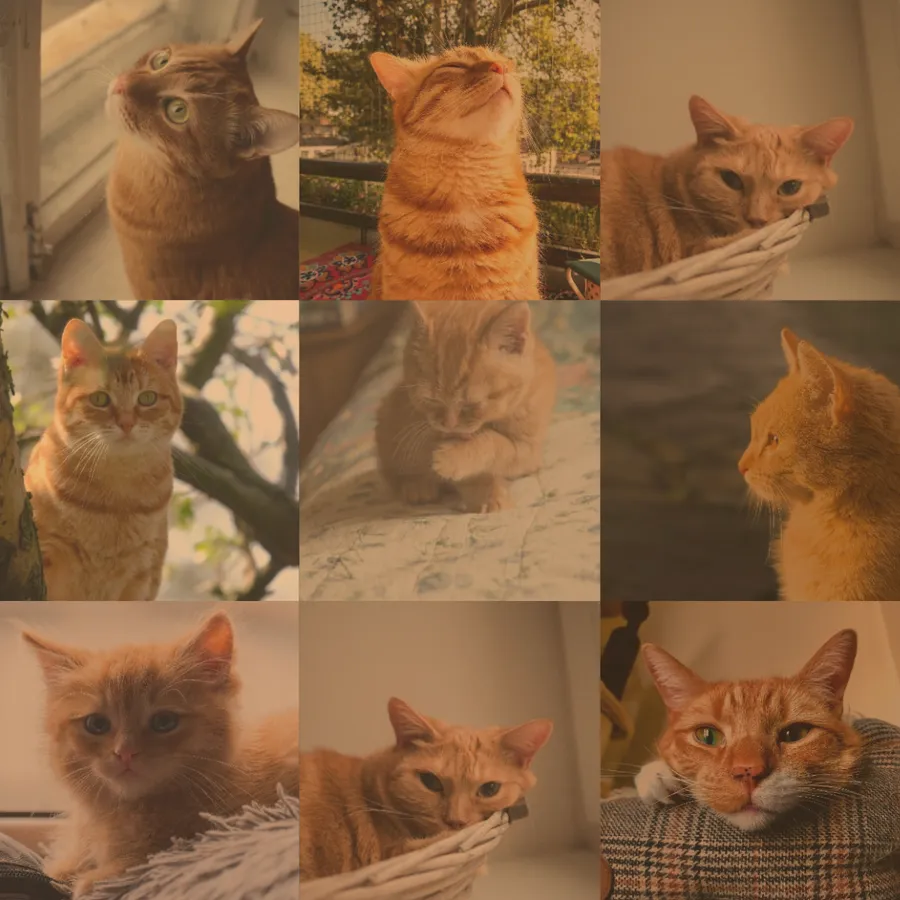
Try an example
Open one in the studio, look around, and hit Remix to make it your own.
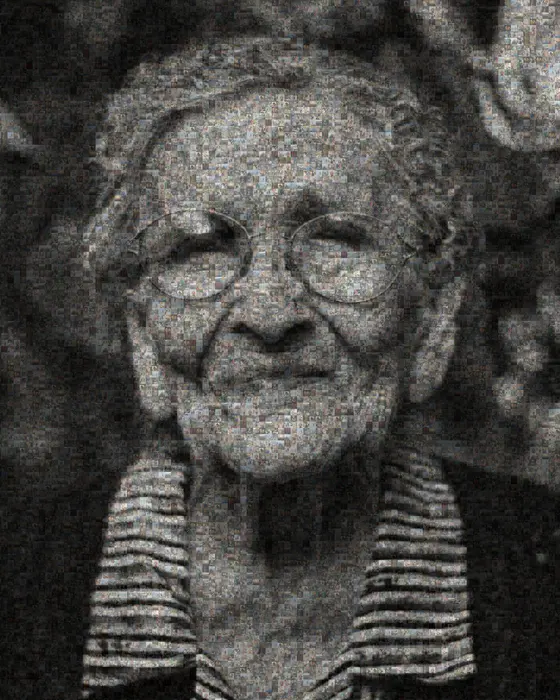
How to make it
- Step 01
Choose a portrait
A clear, well-lit photo where their face fills the frame.
- Step 02
Collect photos
Gather photos from family and friends, from childhood and milestones to everyday moments.
- Step 03
Arrange
Adjust tile size so both the portrait and the individual photos are visible at the size you will print.
- Step 04
Print or display
Print it for a service or a memorial table, or show it on screen and share it with family.
Choosing the portrait
Choose a photo where their face is clear and they look like themselves, which is often not the most formal picture. If the only good photo is old or small, it can still work. Use larger tiles and remove the background so the face fills more of the frame.
Gathering photos from family
Ask relatives and friends to send what they have: phone photos, old prints photographed on a table, scanned albums. Every photo adds to the portrait. You don't need to sort or crop them first, because Mosey fits each one into its tile.
You can add up to 1,000 photos, and tint helps when older photos have faded or share a color cast.
Private and at your own pace
The mosaic is built on your own device and you don't need an account to try it. Your work in progress is kept in this browser, so you can come back and add photos as they arrive from family. If you Save it to an account, the photos are stored privately and stay private unless you share the link.
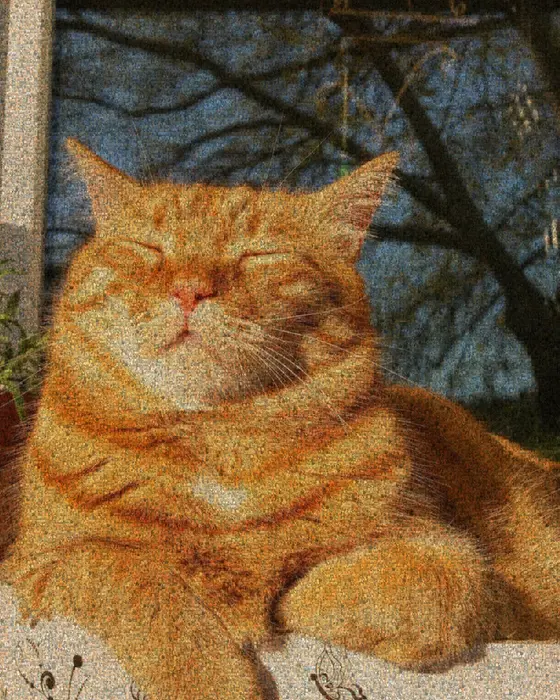
Make a memorial photo mosaic
Free to start, no signup, and it runs in your browser.
Printing it for a service
A large print at the entrance of a service gives people something to gather around and share stories. For an easel, a poster or canvas works well. Use a Pro print-ready export, which renders at 4× or 6× the standard resolution.
For an order of service, a slideshow or sharing with family who can't attend, a standard export is plenty.
A memorial mosaic for a pet
A portrait of a pet made from years of their photos can hang by the door or wherever their bed used to be. The steps are the same. Choose a photo where their eyes are clear and in focus, then add every photo you have of them.
Memorial mosaic FAQ
How many photos do I need?
Even 50 photos can work with larger tiles, and 200+ gives a more detailed portrait. Old scanned photos work too.
Can I print it large?
Yes. Use a Pro print-ready export for posters and canvases. It renders at 4× or 6× the standard resolution.
Can I use old or scanned photos?
Yes. Photograph or scan prints and add them like any other photo. Tint helps faded photos blend in.
Can family help build it?
Collect their photos and add them yourself. You can also share a link to the finished mosaic so they can view it.
Is it private?
Yes. It's built on your device. If you save it to your account it stays private unless you share the link, and shared links tell search engines not to list them.
Your photo stays on your device while you make and export a mosaic. It only leaves if you click Save (stored privately in your account) or use an optional AI tool. Privacy Policy
More mosaic ideas
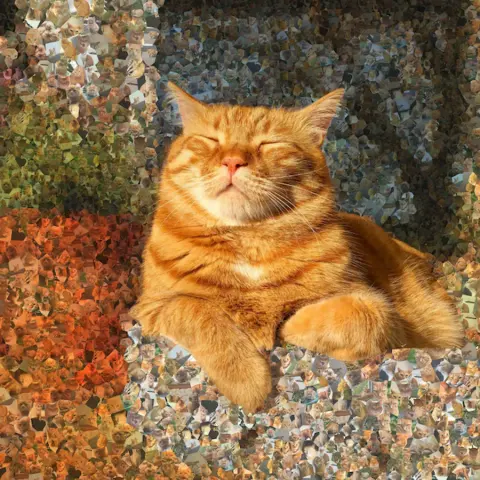
Photo mosaic
Your own photos as tiles. Build a portrait out of weddings, family days or trips.

Anniversary & wedding
One wedding photo made from years of shared photos, ready to print as an anniversary gift.
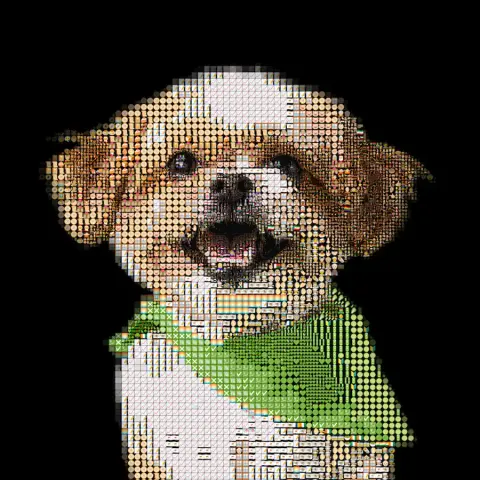
Pet portrait
Your dog, cat or rabbit rebuilt from emoji, bricks or their own photos, ready to print or build.
More ideas: Brick mosaic · Emoji art · ASCII art · Photo to STL · Pixel art