Your pet as a
mosaic portrait.
Turn your favorite photo of your dog, cat or rabbit into a portrait made of brick pieces, emoji or hundreds of their own photos. You design it yourself in minutes, then print it, build it or give it as a gift.
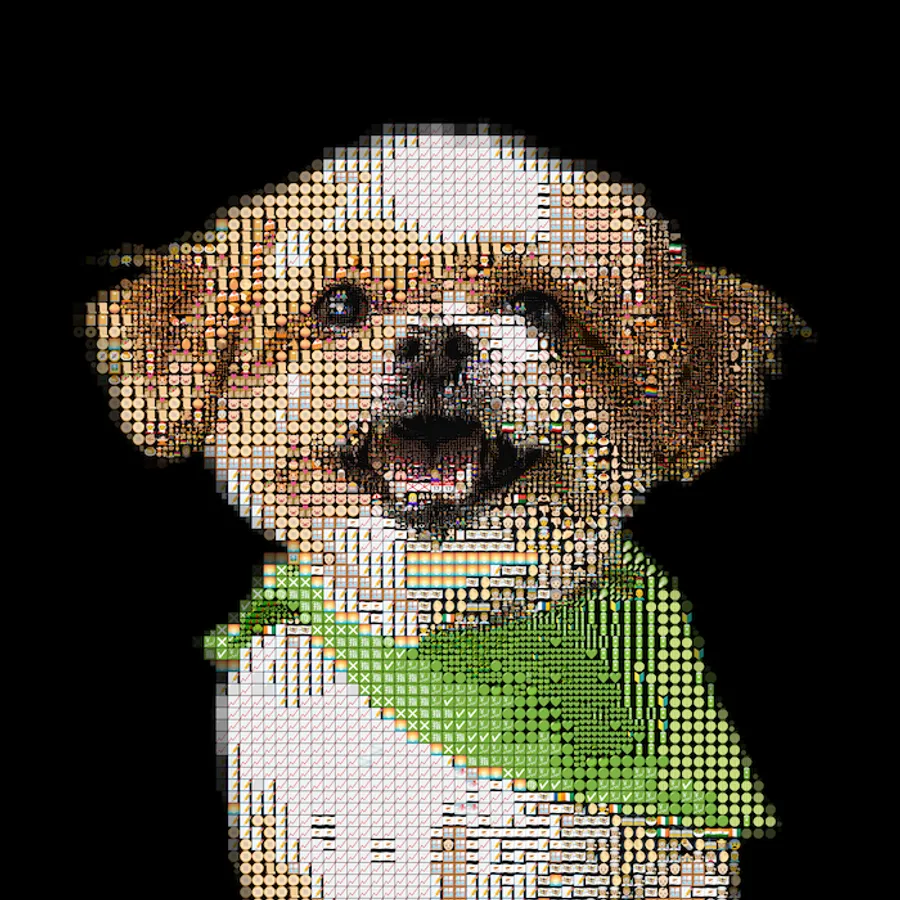
Try an example
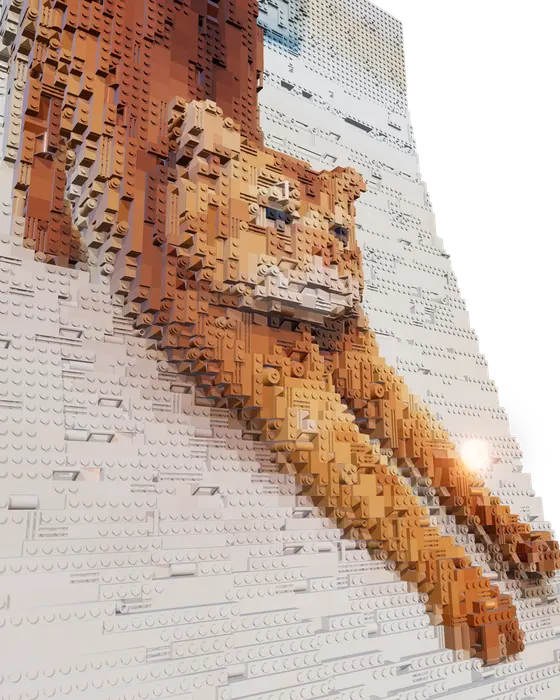
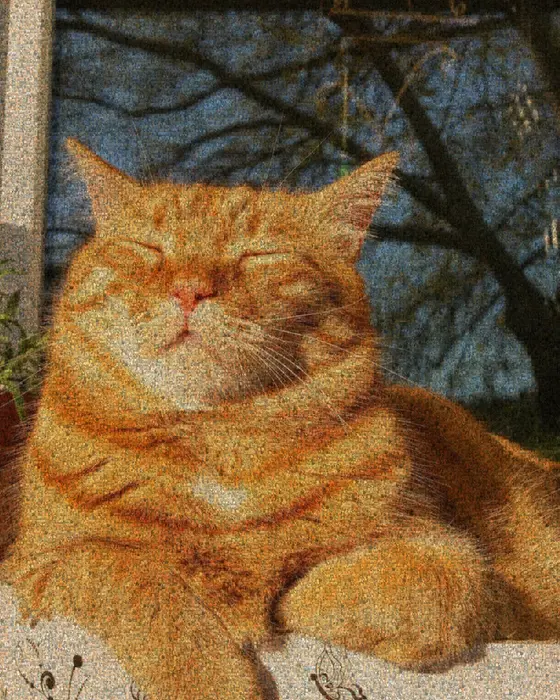
Open one in the studio, look around, and hit Remix to make it your own.
How to make it
- Step 01
Pick the photo
Eye level, good light, and your pet filling the frame. Remove the background (1 AI credit) so the pet stands out.
- Step 02
Choose a style
Brick pieces for a buildable portrait, emoji for something playful, or a photo mosaic made from all your pet photos.
- Step 03
Fine-tune
Adjust the tile size until the eyes and nose read clearly. That's what makes a pet recognizable.
- Step 04
Make it real
Print a poster or canvas, build it from bricks using the LDraw file, or 3D-print it as a relief.
Three styles of pet portrait
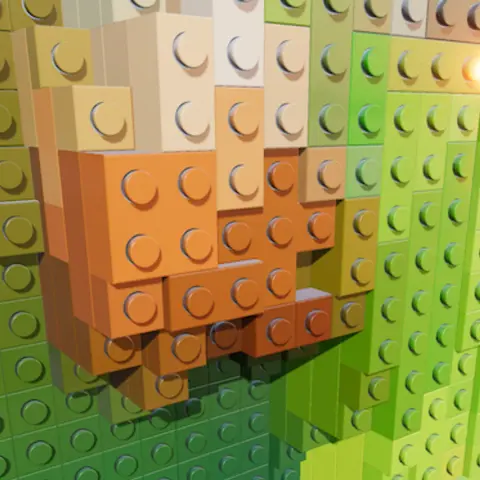
Brick portrait: your pet rebuilt from brick pieces in 3D, with an LDraw file you can open in brick-building apps to inspect the model and see which parts it uses.
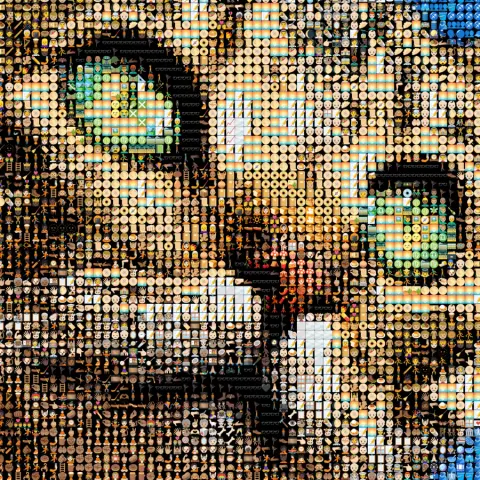
Emoji portrait: thousands of emoji, color-matched to fur and eyes. You could limit it to animal and food emoji.
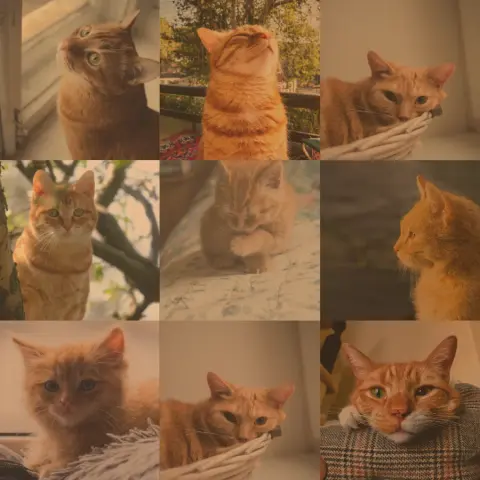
Photo mosaic: the pictures on your camera roll, arranged into one big portrait.
Which style suits your pet?
Bricks suit pets with bold markings and strong contrast, such as a tabby, a spotted dog or a black cat on a light background. Emoji suit playful personalities and colorful photos. A photo mosaic made from their own pictures suits a pet with years of camera roll behind them, and it's the most personal of the three.
Not sure? Upload the photo once and switch between styles. The photo stays loaded, so trying all three takes a minute.
Choosing a photo of your pet
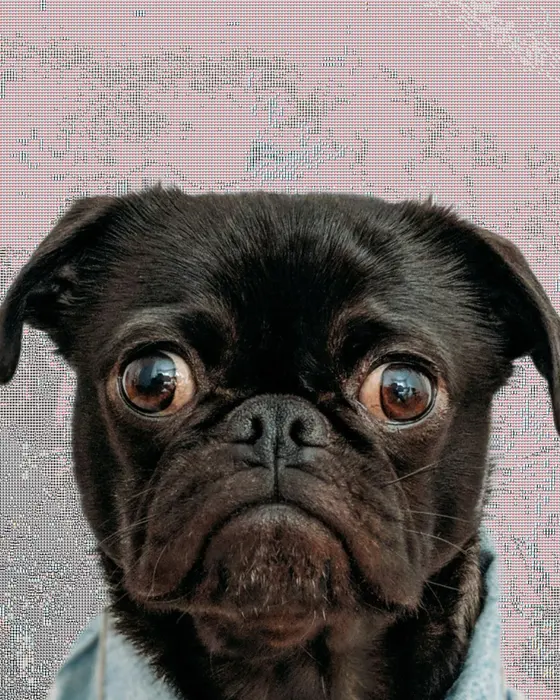
The eyes carry a pet portrait. Choose a photo taken at their eye level, with light on the face and the eyes in focus. Dark or solid-colored pets need more contrast, so shoot near a window. Remove the background and put them on a plain color that contrasts with their fur.
Make a mosaic portrait of your pet
Free to start, no signup, and it runs in your browser.
Removing the background
Background removal (1 AI credit) cuts your pet out of the photo so the mosaic spends every tile on them rather than on the sofa. Put them on a plain color that contrasts with their fur, such as a light background for a dark dog or a dark one for a white cat.
A gift you designed yourself
Commissioned pet portraits can be expensive and take weeks to arrive. With Mosey you design it yourself in minutes, see exactly what you'll get, then decide whether it becomes a canvas from any print shop, a brick build or a 3D print.
Printing, framing and gifting
For a print, square formats suit most pet portraits. A brick build can sit on a shelf or go in a frame, and a 3D-printed relief works as a desk piece. Whichever you choose, you get the file, so you decide where it's printed or built and what you spend.
Pet portrait FAQ
How much does it cost?
Designing is free, as are standard PNG exports and 3D and LDraw files. AI extras such as background removal and the sculpted brick depth use credits (3 free on signup), and print-resolution PNGs for large canvases are part of Pro. Printing and bricks are bought separately from whoever you like.
Can I build it from real bricks?
Yes. Choose the brick style and export the LDraw file, which gives the position and color of every piece.
Can I make a memorial portrait of a pet who has passed?
Yes. A photo mosaic made from all your photos of them works well for this. See our memorial mosaic guide.
What kind of photo works best?
Eye level, sharp eyes, good light on the face, and your pet filling most of the frame. Remove a busy background if you can.
Can I try different styles with the same photo?
Yes. Switch between bricks, emoji and photo tiles at any time. Your photo stays loaded.
Can I include several pets?
Yes, as long as they're all in one photo. Larger tiles blur small faces, so make sure each pet is big enough in the frame.
Your photo stays on your device while you make and export a mosaic. It only leaves if you click Save (stored privately in your account) or use an optional AI tool. Privacy Policy
More mosaic ideas
Brick mosaic
Your photo as a 3D brick mosaic, with an LDraw export for brick-building apps.
Emoji art
3,500+ emoji matched to your photo by color, updating as you edit.
Memorial mosaic
One portrait built from a lifetime of photos, ready to print for a service or a wall.
More ideas: ASCII art · Photo mosaic · Photo to STL · Pixel art · Anniversary & wedding